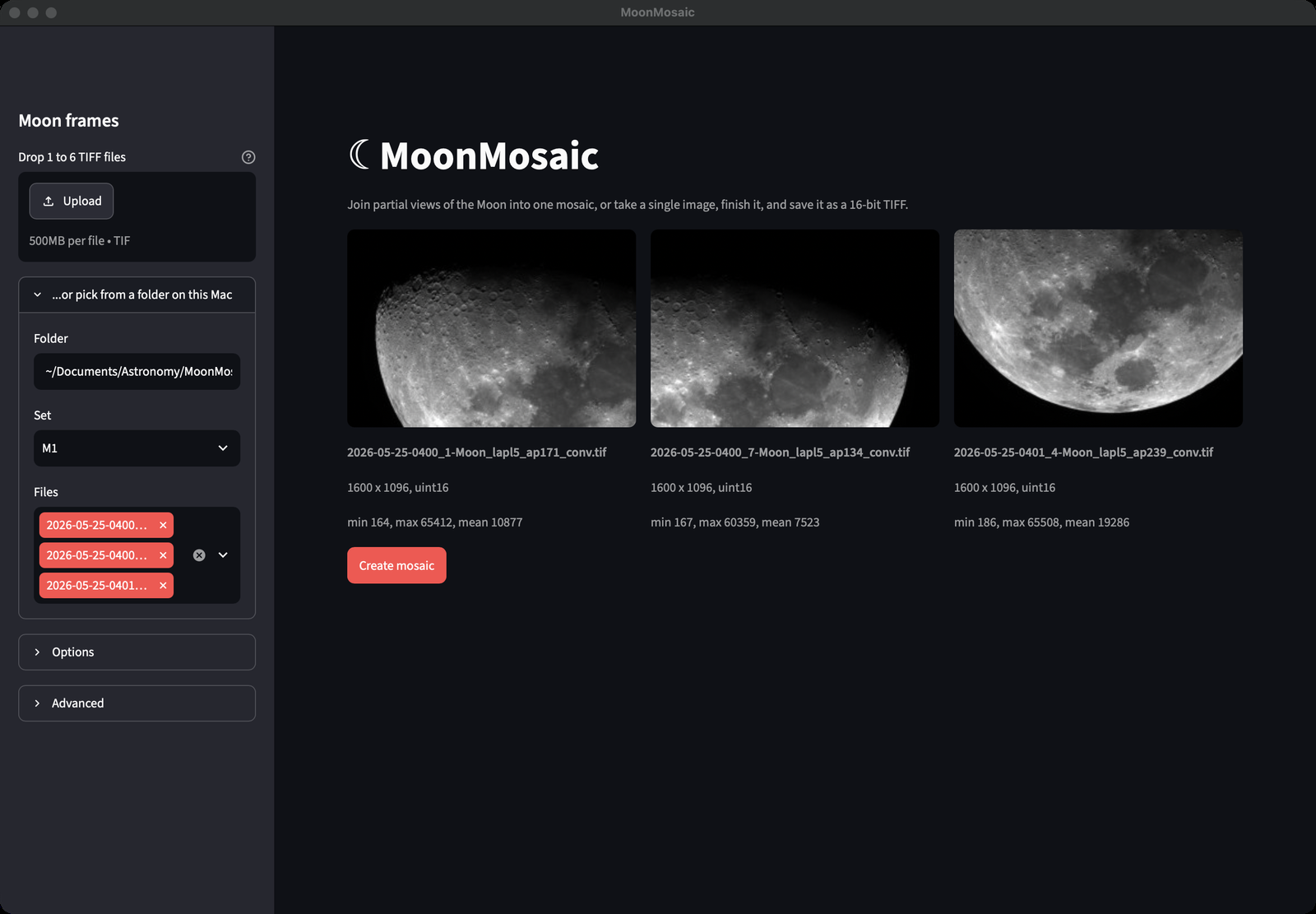
A lunar mosaic needs the same finishing work as a solar one — joining overlapping frames, then deconvolution, sharpening, and dealing with the high dynamic range between the sunlit surface and the terminator. I used to do all of that by hand in Photoshop.
I built MoonMosaic with Claude Code — similarly to SunMosaic. It joins 2 to 6 overlapping frames into one mosaic, or takes a single shot as it is, then offers the finishing steps a lunar image usually needs: deconvolution, sharpening, flip, rotation, and a terminator layer that tames the Moon’s dynamic range.
In my workflow, each frame going into a mosaic is pre-processed the same way as for the Sun: a 16-bit video of the region, stacked in AutoStakkert!4 with 500 final frames, using the Laplace quality estimator and a grid of alignment points over the surface — saved as a 16-bit TIFF. Those TIFFs are what MoonMosaic takes in.
Layers and a mask are created behind the scenes, so that the terminator features can be processed in a separate layer. The final output (a TIFF file) can be opened in Affinity Photo, or any other tool supporting the TIFF format and TIFF layers, for additional processing.
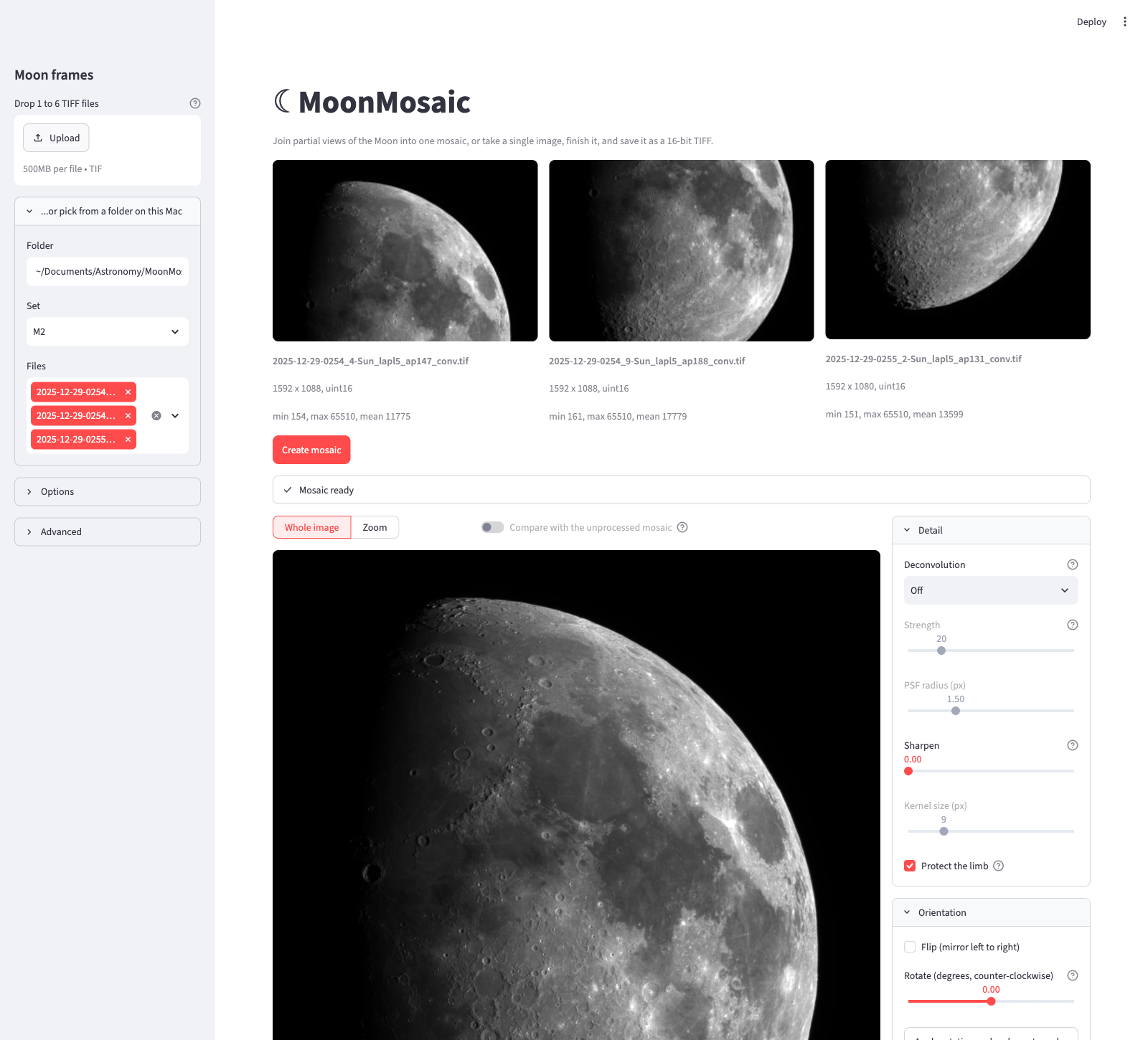
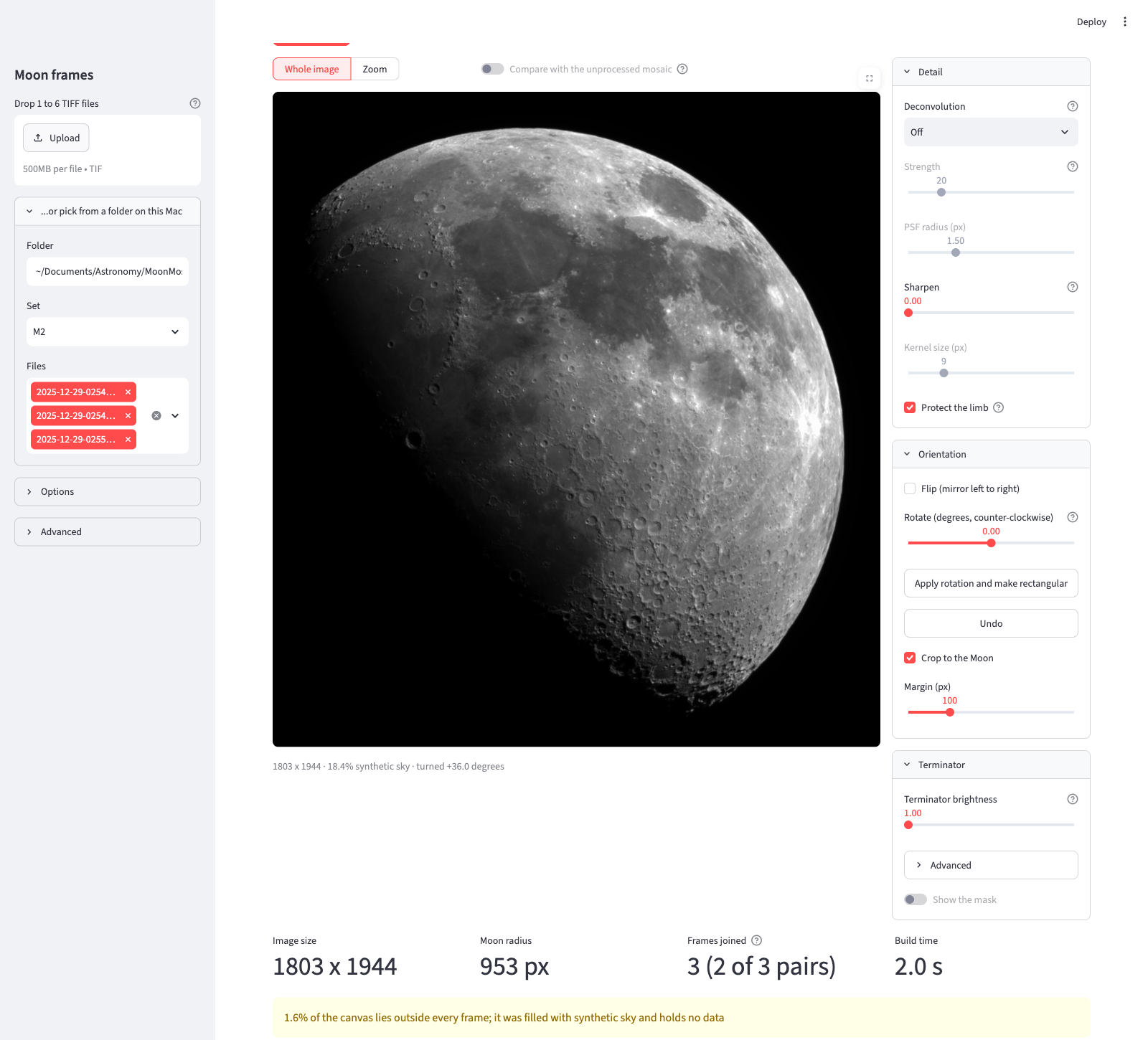
It’s open source and posted on github.com/m42cococa/MoonMosaic. A ready-to-run .dmg installer is available here — Apple Silicon Macs only. It also runs as a local browser app or from the command line.