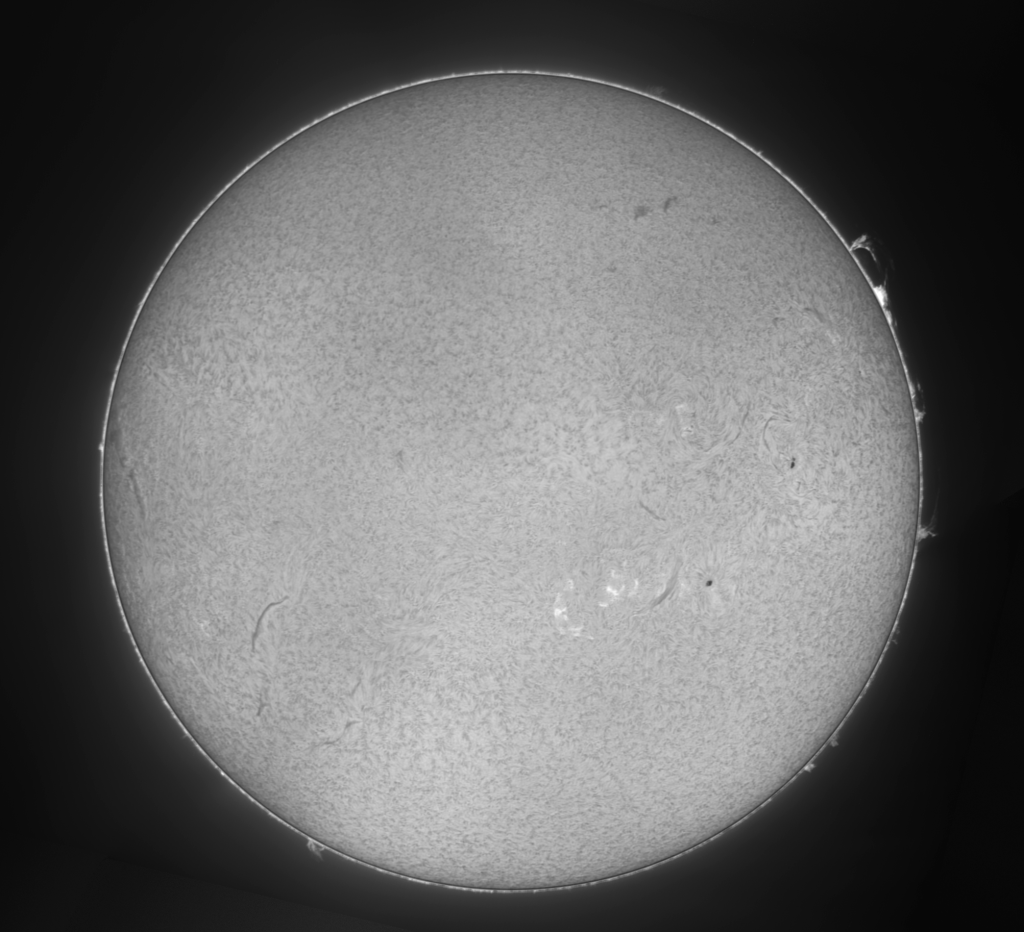
I used to rely on Photoshop to create Sun mosaics — building the layers and masks needed for H-alpha processing, a multi-step process.
I built SunMosaic, an application for processing solar mosaics, using Claude Code — and Photoshop is no longer part of my solar imaging pipeline. Importantly, it doesn’t just assemble the panels into a mosaic: it also separates the solar disc from the surrounding prominences into their own layers and a mask, so each can be processed independently — which is what makes the rest of the workflow, below, possible.
I would like to share it “as is” as an open source project: github.com/m42cococa/SunMosaic.
A ready-to-run .dmg installer is available here — Apple Silicon Macs only. It also runs as a local browser app (Streamlit) or from the command line for anyone who wants to script it.
How the pipeline works
Each panel of a mosaic starts life as a 16-bit video captured through the rig. From there:
- Stack each panel with AutoStakkert!4 to produce a sharpened per-panel TIFF.
- Feed the stacked panels into SunMosaic, which detects the solar limb on each frame, cross-correlates the overlapping regions, solves the global alignment, corrects for the uneven brightness typical of H-alpha etalon imaging, and blends the panels into a single mosaic. Beyond the flattened image, it also generates separate layers and a mask that isolate the solar disc from the surrounding prominences, so each part of the image can be adjusted independently downstream.
- Finish the mosaic in Affinity Photo 2 (free software now), using the disc and prominence layers and mask SunMosaic exports to fine-tune each independently before flattening the final image.
Example: September 8, 2026 mosaic
Here’s a mosaic captured on September 8, 2026 at 20:38 UTC, built from 4 panels stacked from about 500 frames each, using the same rig described in my previous post — William Optics 60mm refractor, Daystar Quark H-alpha filter, and ZWO ASI 432MM camera.
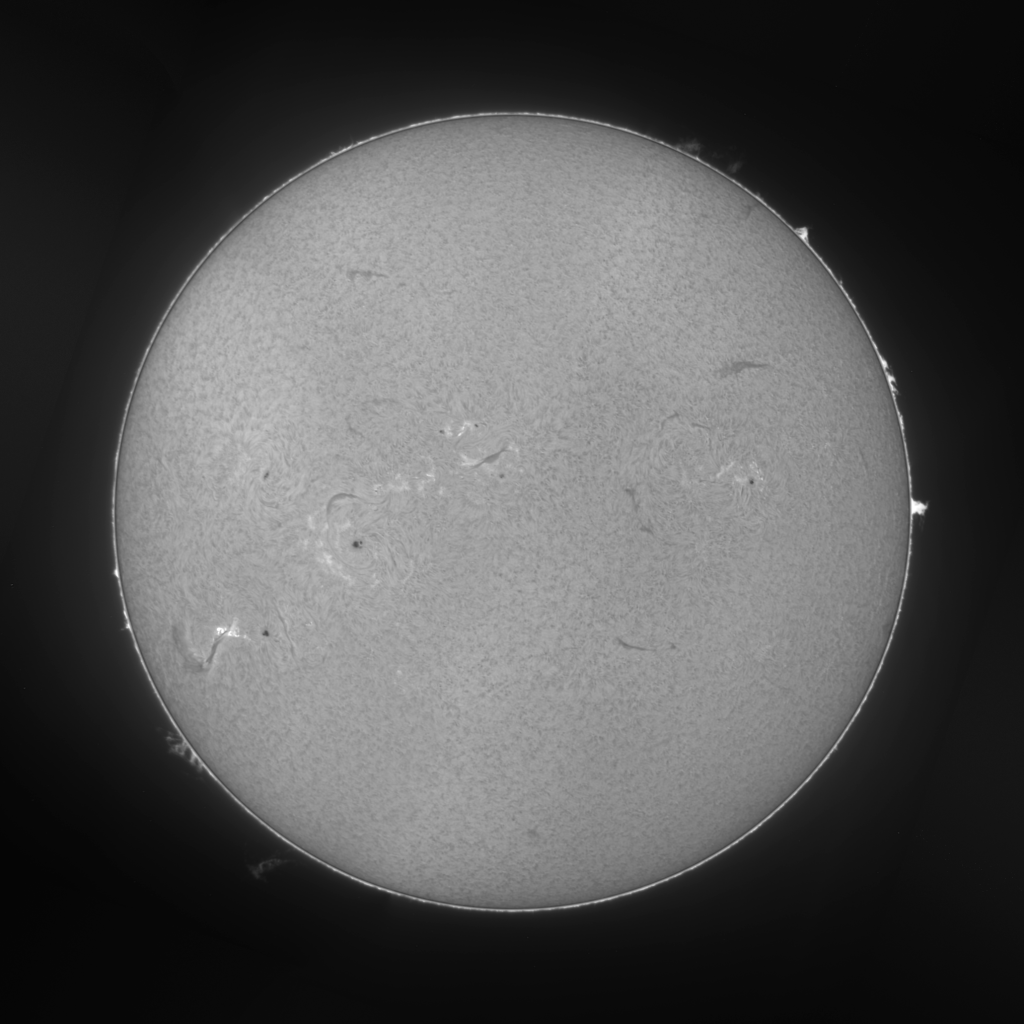

Another example: September 13, 2026 mosaic
Captured on September 13, 2026 at 20:29 UTC, same rig and pipeline.